How Does Online Fax Work? A Plain-English Explanation
Online fax lets you send and receive real faxes without a machine or phone line. Here is what happens behind the scenes and why web fax is replacing the office fax machine.
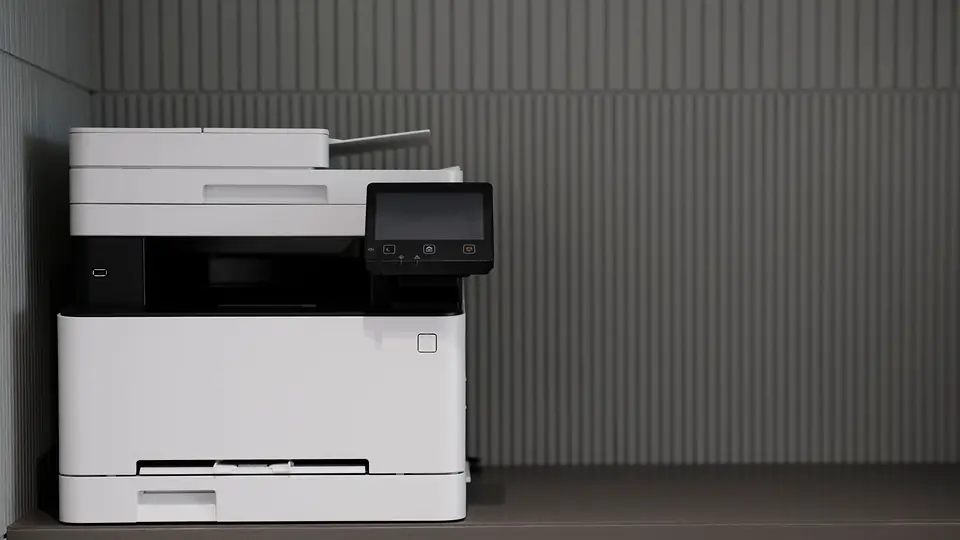
Fax machines have been around for decades, and the people you fax with may still use one. So how can you send them a fax from a web browser? Online fax services bridge the internet and the telephone network. You work with files on your computer; the recipient gets an ordinary fax.
How traditional fax works
A classic fax machine scans a paper page into a black-and-white image, then uses a modem to turn that image into audio tones sent over a telephone line. The receiving machine listens to those tones, rebuilds the image and prints it. The two machines negotiate settings at the start of each call and confirm each page, which is how the sending machine knows a fax was delivered.
This works well, but it requires a dedicated phone line, a machine, paper and toner, and someone standing next to it.
What changes with online fax
With online fax, the provider operates the fax equipment and telephone connections for you. Your part happens entirely in the browser:
- You upload a document. In FaxToFax you attach a PDF, PNG or JPG and compose a cover page.
- The provider converts it. Your file is converted into the black-and-white page format fax machines understand.
- The provider places the call. The fax is transmitted over the telephone network to the recipient's number, using the same standard protocols as a fax machine.
- The recipient's machine or service accepts it. To them it is a normal fax.
- You get a delivery receipt. The provider records whether the transmission completed, when, and how many pages were delivered.
Receiving works in reverse. You have a fax number. When someone faxes it, the provider answers the call, receives the pages, converts them into a PDF and places it in your secure inbox.
What the provider is responsible for
- Fax numbers and the telephone connections behind them.
- Converting files to fax format and back.
- Storing faxes securely and controlling access.
- Keeping records such as delivery receipts and audit logs.
Because the provider handles and stores your documents, choose one that takes security seriously. See how FaxToFax approaches it on our security page.
How FaxToFax is set up
FaxToFax is web-only: there is nothing to install. You sign in with a one-time code sent to your email, choose a fax number (local or toll-free, in more than 70 countries) from your dashboard, and start sending and receiving. You can send to more than 220 countries. Received faxes land in an encrypted inbox, and new-fax alerts appear in the app and as browser notifications. Alerts never contain the document itself.
Why web fax is replacing fax machines
- No hardware or phone line to buy, maintain or troubleshoot.
- No paper sitting in a tray for anyone to pick up.
- Work from anywhere with a browser, including from home or another office.
- Better records: searchable history, delivery receipts and an audit log.
- Access control with individual accounts and roles instead of a shared machine.
- Fewer mistakes, since numbers are confirmed and contacts are saved.
Is online fax secure?
The internet portion, between your browser and the provider, is encrypted. The telephone portion uses standard fax transmission, the same as any machine-to-machine fax. The largest improvements over paper fax are on each end: documents are stored encrypted, access is limited to signed-in users, and nothing is left on a shared printer. For more on this, read fax vs email for sensitive documents.
Getting started
Ready to try it? Follow how to send a fax online from your computer, or get started. The Personal plan is $4.99 for the first month, then $18.99 per month for 200 pages.